
How to isntall maps for Warlords 1
In order to install custom maps you need map editors. NB! The editors don't support the GOG.com version of the game. You need to use this  exe file instead of their WARLORDS.EXE
WL maps
You need Volkov's editor (wled) in order to install WL-maps. Dowload Wled and extract it into your Warlords folder (not necessary, but just makes things easier).
Open the editor, select Environment in the file menu (or just press "ctrl+e" shortcut). In the environment dialog, specify the path to the game's executable (usually it's wl210.exe).
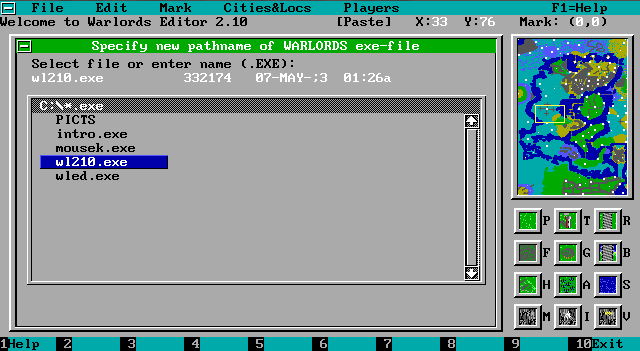
Select Read rescue in the file menu (or press F2).
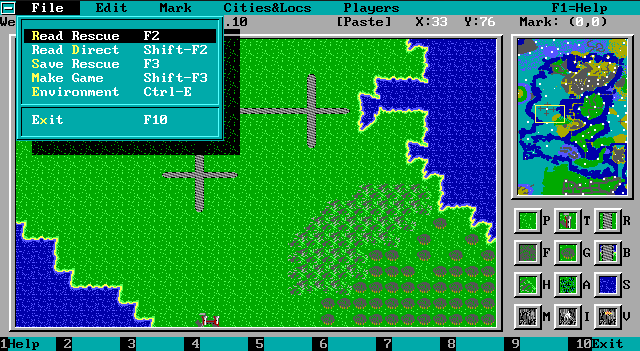
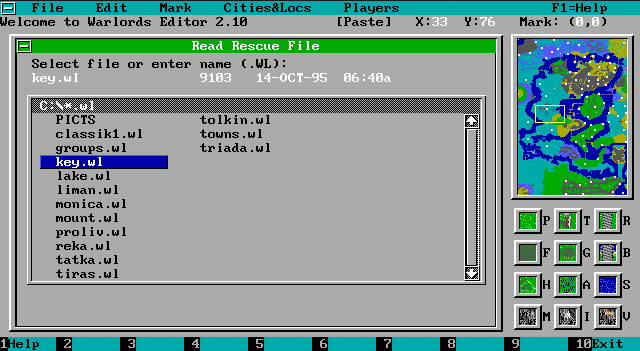
In the read rescue window, locate the map file.
Select Make Game in the file menu (or press shift+F3).
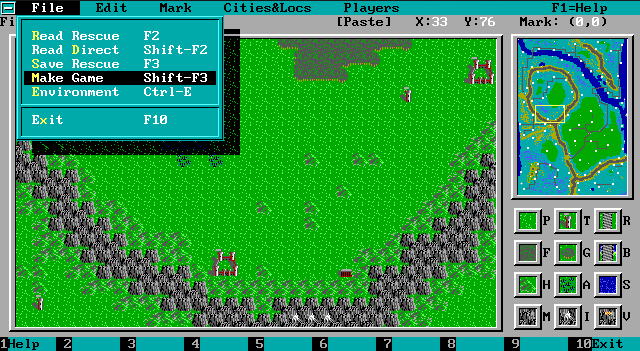
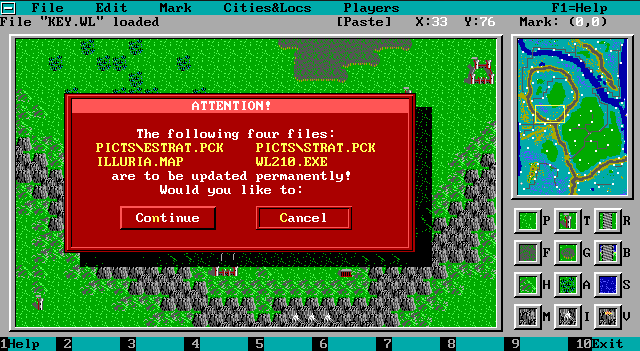
The editor will notify you that the game files will be overwritten. Click Continue.
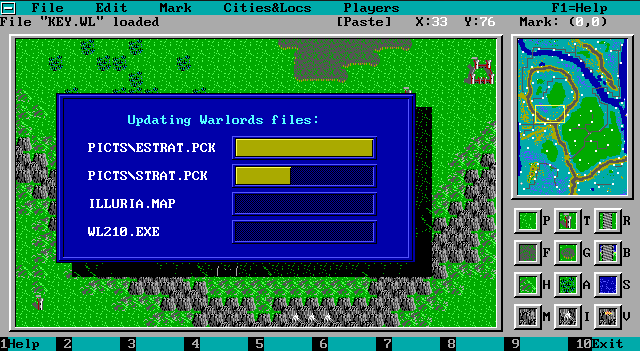
Wait for the update process to complete
Close the editor and start the game normally.
WLEDIT maps
Surprisingly, you need WLEDIT for those maps. Extract the editor into the game's folder. Again, not necessary, but that's how I do it. Don't blame me. You don't need to launch the editor itself in order to load new maps, because it has a dedicated launcher. But it doesn't make things easier, because maps are scattered accross several files.
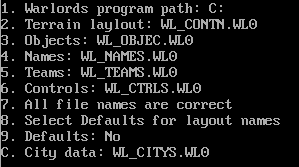
Run WLEDITA application and locate all the map files (1-6) and then select the 7th option (All file names are correct).
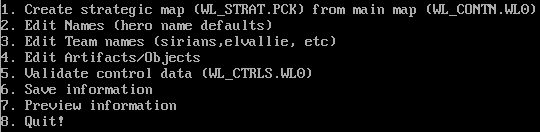
On the next screem, select the firs option (Create strategic map)
Then you'll see this thing:
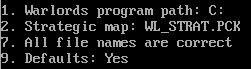
Just press Enter. The launcher will ask you this:

Press V and close the launcher.
Start the game using WL.exe.
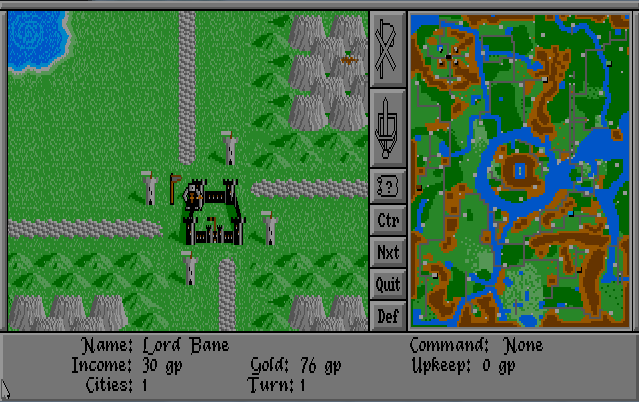
Hurray!